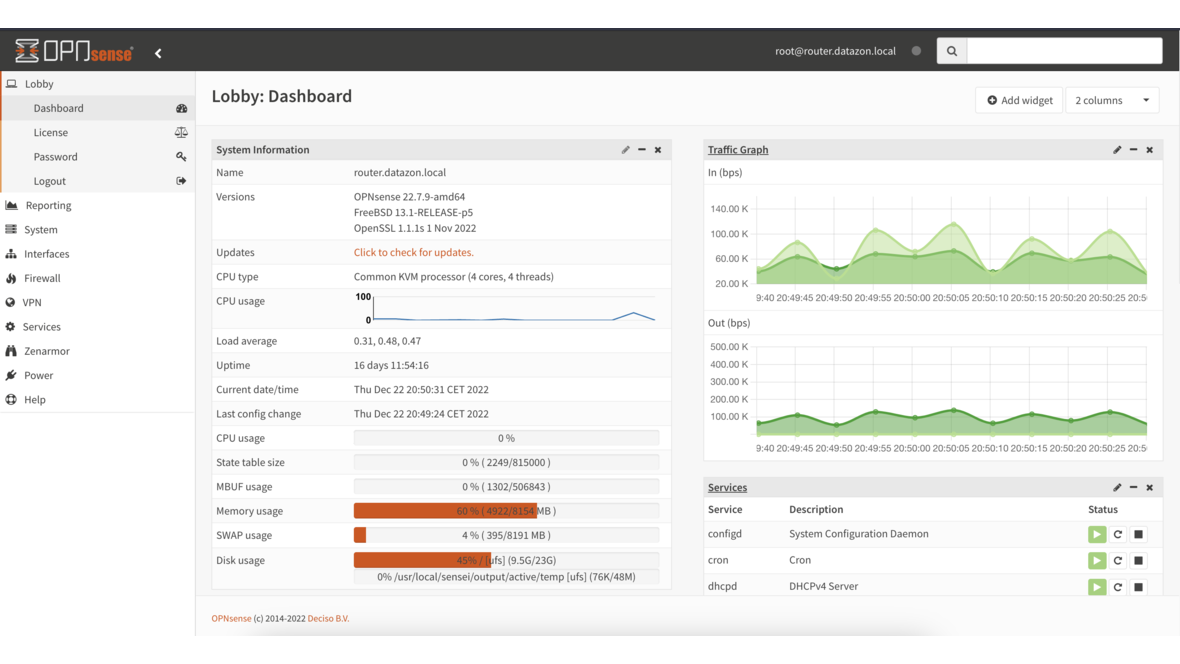
A traditional firewall operates at layers 3 and 4 of the OSI model — filtering by IP addresses and ports. Modern threats, however, require Deep Packet Inspection (DPI) at the application layer. Zenarmor (formerly Sensei, developed by Sunny Valley Networks) adds exactly this capability to OPNsense, turning the open-source firewall into a full-featured Next-Generation Firewall (NGFW).
What Zenarmor Offers
Zenarmor extends OPNsense with four core NGFW capabilities:
- Application Control: Identification and control of over 700 applications and protocols
- Web Filtering: Category-based URL filtering with over 120 categories
- TLS Inspection: Analysis of encrypted connections (optional)
- Reporting & Analytics: Real-time dashboard with traffic analysis
Unlike commercial NGFW appliances from Fortinet, Palo Alto, or Sophos, Zenarmor runs on standard hardware as a plugin for OPNsense.
Installation
System Requirements
Zenarmor requires additional resources compared to a standard OPNsense installation:
| Throughput | CPU | RAM | Disk |
|---|---|---|---|
| Up to 100 Mbit/s | 2 cores | 4 GB | 60 GB SSD |
| Up to 500 Mbit/s | 4 cores | 8 GB | 120 GB SSD |
| Up to 1 Gbit/s | 8 cores | 16 GB | 250 GB SSD |
| Up to 10 Gbit/s | 16+ cores | 32 GB | 500 GB NVMe |
The disk must be fast enough to store traffic data in real time. An SSD is mandatory — HDDs cause bottlenecks during DPI analysis.
Install the Plugin
OPNsense Web GUI:
System > Firmware > Plugins
→ Install os-zenarmor
After installation, a new Zenarmor menu item appears. The setup wizard guides you through the configuration:
- Choose database backend: SQLite (small), MongoDB (medium), or Elasticsearch (large)
- Select interfaces: Which network interfaces Zenarmor should monitor
- Deployment mode: Routed, Bridge, or Netmap
- Cloud connection: For threat intelligence and category updates
Deployment Modes
| Mode | Description | Recommendation |
|---|---|---|
| Routed (L3) | Integration into the OPNsense routing pipeline | Default for most setups |
| Bridge (L2) | Transparent bridge mode | When OPNsense operates as a bridge |
| Netmap | Kernel bypass for maximum performance | Only for 10G+ environments |
For most installations, Routed mode is the right choice. It integrates seamlessly into the existing OPNsense configuration.
Application Control
Application Control is the core of any NGFW. Zenarmor identifies applications using DPI signatures — regardless of the port being used.
Application Categories
Zenarmor groups applications into categories:
- Business: Microsoft 365, Salesforce, SAP
- Cloud Storage: Dropbox, Google Drive, OneDrive
- Social Media: Facebook, Instagram, TikTok, LinkedIn
- Streaming: Netflix, YouTube, Spotify, Twitch
- Remote Access: TeamViewer, AnyDesk, RDP
- VPN/Proxy: NordVPN, ExpressVPN, Tor
- Gaming: Steam, Epic Games, PlayStation Network
Creating Policies
Policies are configured under Zenarmor > Policies:
Policy: "Workplace Standard"
├── Target: LAN interface (192.168.1.0/24)
├── Application Control:
│   ├── Block: Torrent clients, VPN services, Gaming
│   ├── Allow: Microsoft 365, Google Workspace
│   └── Throttle: Streaming (Max 10 Mbit/s)
├── Web Filtering:
│   ├── Block: Malware, Phishing, Adult Content
│   └── Warn: Social Media (user can confirm)
└── Schedule: Mon-Fri 08:00-18:00
Policies can be activated on a schedule — for example, strict rules during working hours and relaxed rules after hours.
Defining Exceptions
Not every application can be blocked across the board. Exceptions can be defined for specific hosts or user groups:
Exception: "IT Department"
├── Source: 192.168.1.200-192.168.1.210
├── Bypass: VPN services (for remote access)
└── Bypass: Remote access tools (for support)
Web Filtering
Web Filtering complements Application Control with URL-based categorization. Zenarmor sources its category data from the Sunny Valley cloud database, which covers over 500 million URLs.
Configuring Filter Categories
The most important categories for businesses:
| Category | Action | Rationale |
|---|---|---|
| Malware & Phishing | Block | Protection against malicious software |
| Command & Control | Block | Prevent botnet communication |
| Newly Registered Domains | Block | Frequently used for phishing |
| Adult Content | Block | Compliance |
| Gambling | Block | Compliance |
| Social Media | Warn | Productivity (with confirmation) |
| Streaming | Throttle | Bandwidth management |
Custom Block and Allow Lists
Custom lists can be defined as supplements:
Custom Blocklist:
- *.example-malware.com
- suspicious-domain.net

Custom Allowlist:
- partner-portal.example.com
- *.company-internal.de
TLS Inspection
Over 90 percent of web traffic is encrypted today. Without TLS Inspection, the firewall only sees the SNI information (Server Name Indication) — the hostname. The actual content remains hidden.
How It Works
TLS Inspection operates as a Man-in-the-Middle (MitM):
- Client connects to Zenarmor (thinks it is the server)
- Zenarmor decrypts the traffic
- DPI analysis of the content
- Zenarmor re-encrypts and forwards to the server
Prerequisites
- Custom CA (Certificate Authority): Zenarmor generates a CA whose certificate must be installed on all clients
- Increased CPU load: TLS decryption is computationally intensive
- Legal clarification: In many countries, TLS inspection must be disclosed to employees
Zenarmor > TLS Inspection > Settings:
├── CA Certificate: Generate New CA
├── Interfaces: LAN
├── Bypass: Banking domains, health portals
└── Bypass: Certificate-pinned applications
TLS Inspection Exceptions
Certain connections should be excluded from TLS Inspection:
- Banking websites: Regulatory requirements
- Health portals: Data privacy
- Certificate-pinned apps: Do not work with MitM (e.g., Windows Update, Apple Services)
- VPN connections: Corporate VPN traffic
Reporting and Analytics
Zenarmor offers a comprehensive real-time dashboard:
Live Sessions
Under Zenarmor > Status > Live Sessions, all active connections are displayed with the following information:
- Source and destination IP
- Detected application
- Transferred data volume
- Connection duration
- Policy decision (Allow/Block/Warn)
Reports
The reporting function provides preconfigured reports:
- Top Applications: Most-used applications by volume
- Top Domains: Most-visited websites
- Blocked Threats: Mitigated threats
- User Activity: Activity per client IP
- Bandwidth Usage: Bandwidth consumption over time
Reports can be exported as PDF or sent automatically via email (Business Edition).
Free vs Business Edition
| Feature | Free | Business |
|---|---|---|
| Application Control | Yes | Yes |
| Web Filtering | Basic (30 categories) | Full (120+ categories) |
| TLS Inspection | No | Yes |
| Reports | Real-time dashboard | + Historical reports, PDF export |
| Scheduled Reports | No | Yes (email) |
| Active Directory Integration | No | Yes |
| Policy Scheduling | No | Yes |
| Support | Community | Commercial support |
| Cloud Threat Intelligence | Basic | Premium feeds |
For businesses, the Business Edition is recommended. It offers TLS Inspection, Active Directory integration, and commercial support. The Free Edition is suitable for home users and small offices that need basic Application Control.
Performance Optimization
Database Backend
For environments with more than 50 clients, Elasticsearch should be selected as the backend:
# Check Elasticsearch status (on the OPNsense shell)
curl -s localhost:9200/_cluster/health?pretty

# Check index size
curl -s localhost:9200/_cat/indices?v | grep zenarmor
Interface Tuning
Zenarmor > Settings > Advanced:
├── Engine Workers: Auto (or number of CPU cores - 1)
├── Connection Timeout: 3600 seconds
├── DNS Caching: Enabled
└── Bypass Local Traffic: Enabled
Excluding local traffic (RFC1918 to RFC1918) from DPI analysis significantly reduces CPU load, as internal routing does not need to be inspected.
Conclusion
Zenarmor transforms OPNsense into a capable Next-Generation Firewall. Application Control and Web Filtering provide visibility and control over network traffic that is simply not possible with a traditional firewall. The Free Edition is a solid starting point, while the Business Edition with TLS Inspection and Active Directory integration is recommended for professional environments. For those who want to avoid the costs of commercial NGFW appliances, the combination of OPNsense and Zenarmor offers a cost-effective alternative on standard hardware.
More on these topics:
More articles
Backup Strategy for SMBs: Proxmox PBS + TrueNAS as a Reliable Backup Solution
Backup strategy for SMBs with Proxmox PBS and TrueNAS: implement the 3-2-1 rule, PBS as primary backup target, TrueNAS replication as offsite copy, retention policies, and automated restore tests.
OPNsense Suricata Custom Rules: Write and Optimize Your Own IDS/IPS Signatures
Suricata custom rules on OPNsense: rule syntax, custom signatures for internal services, performance tuning, suppress lists, and EVE JSON logging.
Systemd Security: Hardening and Securing Linux Services
Systemd security hardening: unit hardening with ProtectSystem, PrivateTmp, NoNewPrivileges, CapabilityBoundingSet, systemd-analyze security, sandboxing, resource limits, and creating custom timers.